MM logo white 1
MM logo red
Image description is not available

Every possible reason why your AirPods won’t connect anymore

Femke28 OCTOBER 2025
Two hands hold white wireless earbuds and a charging case against a white background.

You’re all set to listen to the latest episode of your favourite podcast, and suddenly your AirPods won’t connect. There can be several reasons for this. Bluetooth may be switched off, your AirPods might not be charged, or the connection has dropped. A software issue could also be the cause. In this article, you’ll read how to properly pair your AirPods with your devices again.

If your AirPods won’t connect, try the following

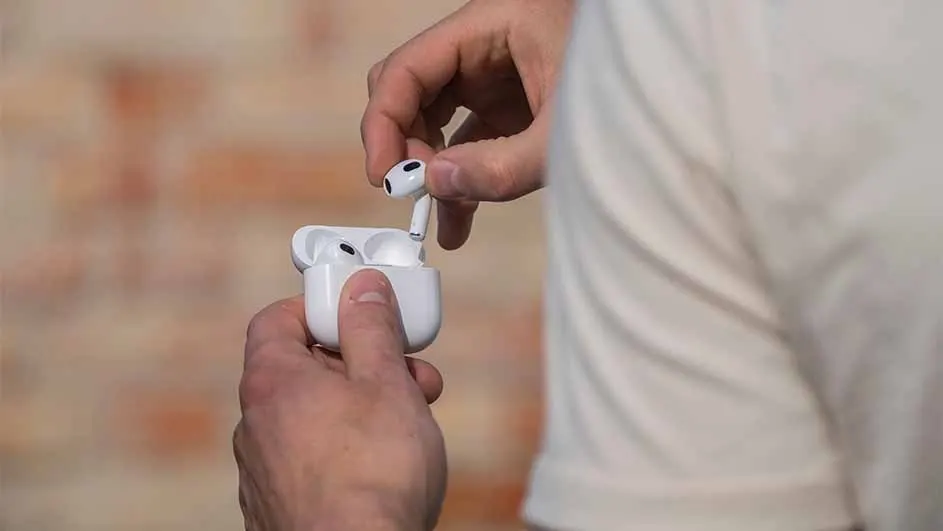
A person holds a white earbud case, removing one earbud; another remains in the open case. A white shirt and brick wall backdrop.

Sometimes your AirPods don’t work well with your iPhone, iPad or MacBook. Annoying, because it means you can’t listen to music or make calls. Fortunately, there are a few things you can do to restore the connection. First, try connecting your original Apple earbuds manually if it doesn’t happen automatically. Then you can try resetting your device’s Bluetooth settings. If that also doesn’t work, finally try updating to the latest firmware. Firmware is a type of software in your phone, tablet or laptop that ensures your device runs properly. You can’t change firmware yourself, but you can update it.

Compare the different AirPods
1. Manually connect your AirPods

A person with glasses and a beard is smiling and holding a phone. They have an earbud in one ear and are wearing a watch. The background is red.

Aren’t your AirPods connecting automatically? Then try pairing them manually with your phone, tablet or laptop. Put both AirPods in your ears and press the small setup button on the back of the case for about 10 seconds. If all goes well, the light on the front of the case will start flashing white. This means your AirPods are ready to connect. Go to ‘Settings’ on your iPhone, iPad or MacBook and navigate to ‘Bluetooth’. Check whether your AirPods appear in the list of devices to pair and click ‘’Connect’.

2. Reset the Bluetooth settings on your device

A person with dark hair in a ponytail wears a white earbud. The person wears a light-colored top against a textured, light background.

It could also be your device’s Bluetooth settings that are preventing your AirPods from connecting. Sometimes those settings just need a quick reset. Go to ‘Settings’ on your device and then to ‘Bluetooth’. You’ll see your AirPods in the list. Tap the i and choose ‘Forget this device’. Then switch Bluetooth off and restart your device. Turn Bluetooth back on and pair your AirPods again.

Zo reset je je AirPods

3. Update your AirPods’ firmware

Open laptop with black keyboard, a purple phone and white wireless earbuds are on it.

Firmware normally updates automatically, but if your AirPods aren’t connecting properly, it could be a sign that the update hasn’t run yet. Fortunately, you can nudge this automatic process manually:

  • Open your AirPods case with the earbuds inside.
  • Go to ‘Bluetooth’ and tap your AirPods.
  • Close the charging case and immediately open it again. This will bring up the info card with the battery status on your screen.
  • Tap Settings -> General -> About -> AirPods (this is listed under SEID or EID).
  • Check under ‘Firmware version’ whether you’re up to date.
  • If you don’t have the latest firmware version, close the case and open it again. Repeat this until the automatic update process starts.

Meer over de AirPods 4

Still not able to connect your AirPods?

A person in a white shirt uses a smartphone in a kitchen with white cabinets and a black countertop.

Still can’t get your AirPods to connect? If your Apple earbuds still won’t connect to your device after these steps, you can try resetting your AirPods. This is quite drastic and usually not necessary. It’s better to try the solutions above a couple of times if they don’t work the first time. Also make sure to clean your AirPods regularly so they last longer.

AirPods schoonmaken

Are you in Belgium? Read the article “your AirPods won’t connect, here’s how to fix it” on MediaMarkt Belgium.

These articles may also be interesting for you